
Users can scan the qr-code. They can enter their email adress. Sneak Studio is going to send the image to the email adresses assigned to the image. Every image gets a unique qr-code, so you need to scan an enter an email adress for each image you like to receive.
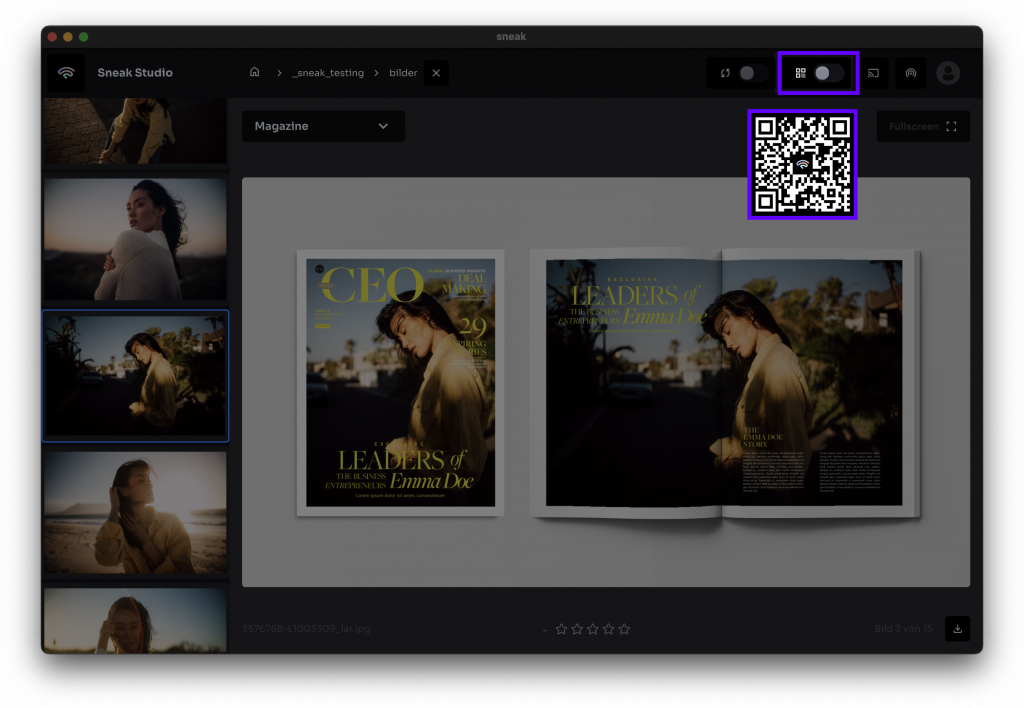
Sneak Studio (QR-Code)
Additional Informations:
- Change the position of the with Drag and Drop
- New emails are checked every 10 minutes to save traffic costs.
- Emails are sent from sneak studio, so images are stored only on the local computer and never on any server.
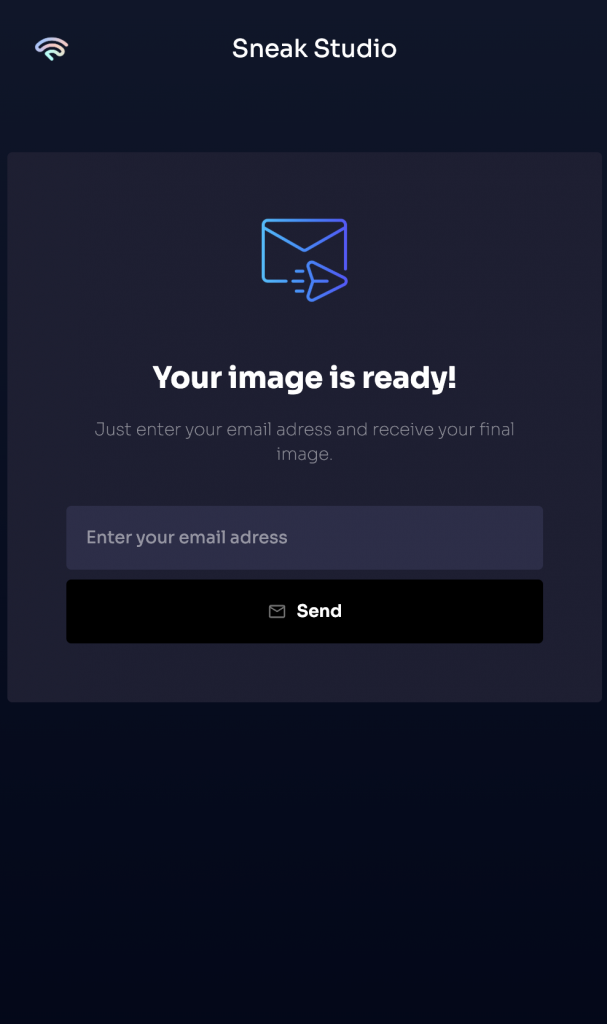
QR-Code Link
Additional Informations:
- Email adress will be saved into your selected folder.
- Each image has a unique QR-Code.
- Scan and enter an email for each image you like to receive.


